Transform Your School Library: How Merge 3D Brings Books, Research, and Makerspaces to Life
Merge EDU is the easiest way to bring abstract STEM concepts to life and get your students excited about learning, turning your library into a launchpad for interactive discovery.
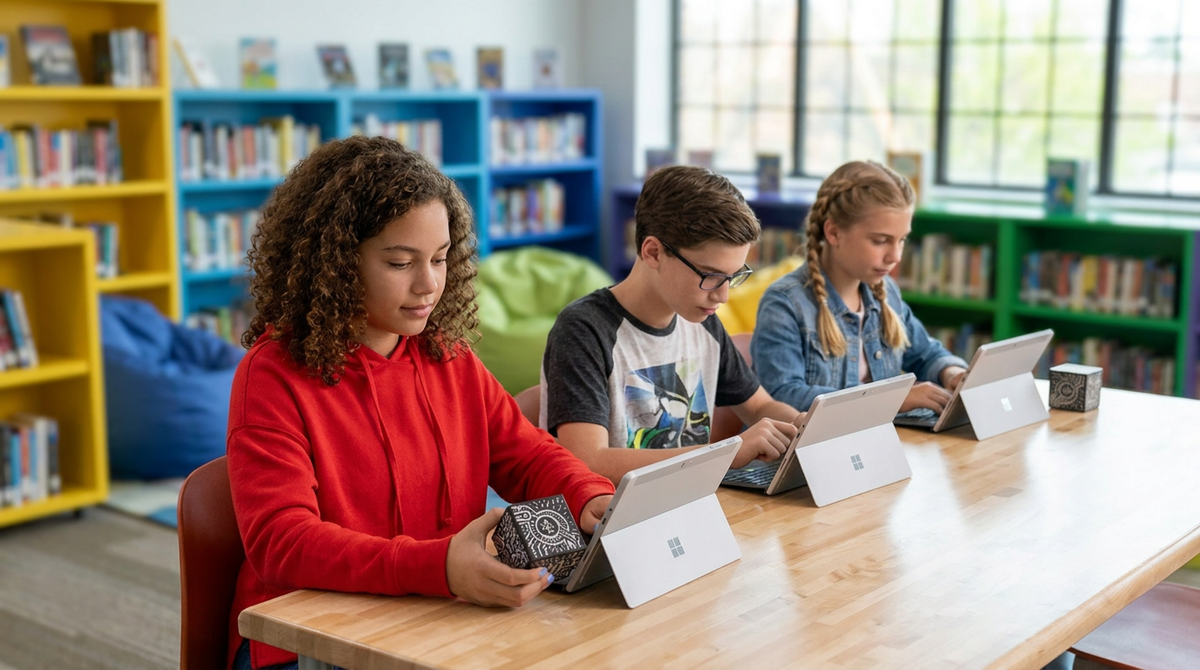
The modern school library is evolving. It is no longer just a quiet place for reading—it is the dynamic hub of your school where collaboration, research, and creation happen. But as media specialists and librarians, you know the challenge: how do you equip your library or makerspace with tools that are affordable, genuinely engaging, and accessible to every student without becoming a technical nightmare?
Enter the Merge 3D platform. Here is how incorporating the web-based Merge 3D platform can transform the way students interact with information in your library and makerspace!
1. Visualizing Concepts from Books and Research
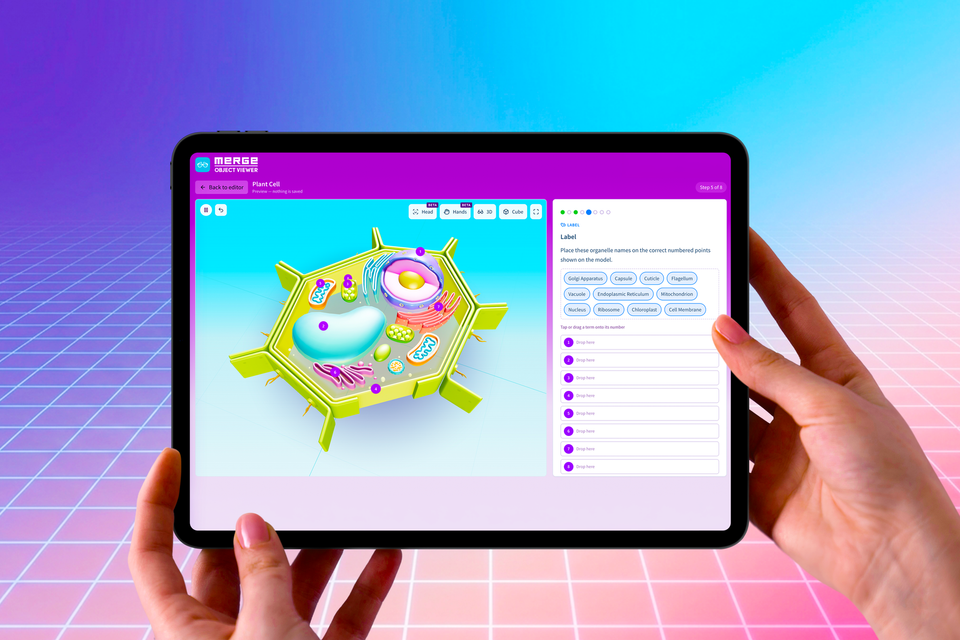
When students are researching complex topics—whether it's the layers of the Earth, human anatomy, or ancient historical artifacts—2D pictures in a book can only go so far. With the Merge EDU suite, students can pull up high-fidelity 3D models right alongside their reading materials. They can rotate the models, zoom in on the details, and gain a profound spatial understanding of the physical world. Researching the solar system becomes an active, multi-sensory experience when the planets are floating right in front of them!
One of my all time favorite pictures! A student’s first experience with a merge cube...she was visiting the planetarium & the teacher used a cube in her lesson!! Love that expression!! @mergeedu @MergeVR @JaimeDonally #ARVRinEdu pic.twitter.com/Ys1vPsAO3l
— Joy Schwartz (@joyschwartz) August 21, 2020
Experience augmented reality that allows you to hold Tawaret, the hippo-headed ancient Egyptian goddess, right in your hand! We introduced this “merge cube” activity during our past virtual Summer Solstice celebration. https://t.co/R9zVLxqhXP #NationalHippoDay #HippoDay pic.twitter.com/CVATOwFSpK
— Harvard Museum of the Ancient Near East (HMANE) (@HarvardMANE) February 15, 2022
3rd grade project incoming ‼️After reading “The Astronaut Who Painted the Moon” about Alan Bean, students moved in centers to learn about the moons surface using Merge cubes and other resources! 🌗🔎 ✨ Next week -> creating our own Bean-inspired art! @CowartDISD @DISD_Libraries pic.twitter.com/NZAwPWoan6
— Cowart Elementary Library (@CowartLibrary) January 21, 2026
2. The Ultimate Makerspace Upgrade
A great makerspace encourages students to think like engineers. With the Merge Creator suite, students aren't just consuming content; they are building it.
- 3D Print Preview: Students can design models in Tinkercad or Paint 3D, upload them to the Object Builder, and use the Merge Cube to hold and inspect their designs in the palm of their hands. It acts as a "3D print preview," allowing them to catch errors before wasting time and 3D printer filament.
- Scan and Generate: Students can use the 3D Scanner app to capture real-world objects or use the AI Generator to turn text prompts into 3D models. They can even add multimedia labels with audio and video to explain their research!
3D printed unicorn vs Merge Cube AR unicorn. Made by G3 student in the Makerspace. #3dprinting #makerspace #personal #jiselementary #mergecube #ultimaker pic.twitter.com/hQyNc5F2Z3
— Jane Ross (@janeinjava) March 14, 2019
The Object Viewer for @MergeVR Cube is so cool! I uploaded the porcupick design I printer earlier from @thingiverse to view in the MERGE Cube! It will be so handy for our students at #vanmeter to view their designs before they print. #futurereadylibs #tlchat #3dprinting pic.twitter.com/0MR87edZBE
— Shannon McClintock Miller (@shannonmmiller) March 4, 2019
3. Device-First, Friction-Free Access
You don't need expensive VR headsets or a dedicated tech lab to make this happen. The Merge 3D platform is completely web-based, meaning it works seamlessly with the Chromebooks, tablets, or smartphones your library already has. No app store downloads or IT headaches required. You can get students interacting with 3D models right at the library tables in seconds, making it accessible and affordable for your entire school.
students holding science in their hands with AR and @MergeVR. 🤓💜
— MARiA (@mariagalanis) October 26, 2023
love seeing students learn like this. pic.twitter.com/lCaYkIZuui
Got AR? I had fun trying out the @mergeedu app on the new @apsupdate Chromebooks. Excited to level up student engagement with augmented virtual reality. @APSInstructTech @apsitnatasha pic.twitter.com/BLfEiCMiwg
— Jen Hall, NBCT (@apsitjen) July 29, 2025
Our students are celebrating Earth Day in the best way! In the library and art, they’re exploring the world with Merge Cubes, read-alouds and getting creative with Earth-inspired drawings today! @DISD_Libraries @urbanparkes @DISDLibDirector @mergeedu pic.twitter.com/iu54MwPGd6
— Krystal Irby (@mrsirby_txlib) April 22, 2026
 Merge EDU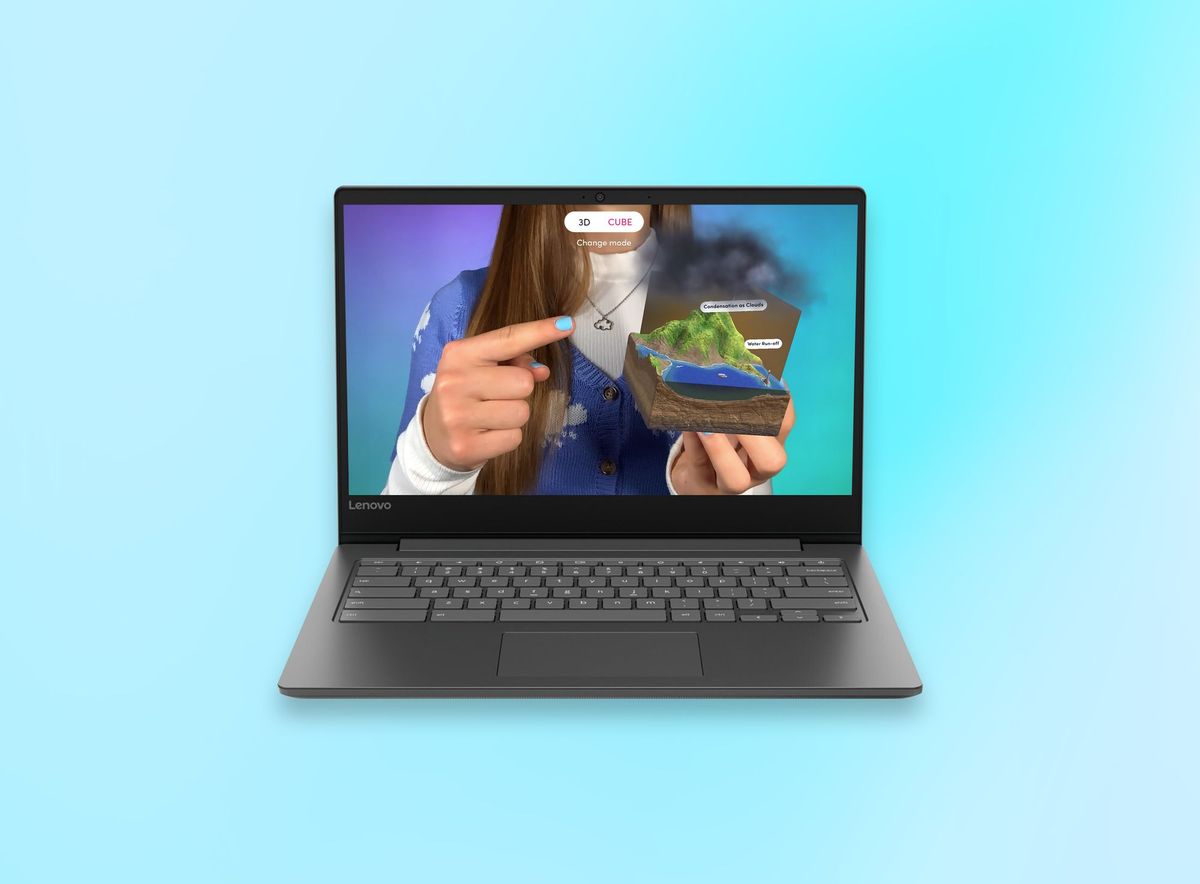
4. Multiple Ways to Discover
Every student learns differently, which is why Merge offers multiple interaction modes to fit your library's flexible seating and learning zones:
- 3D Mode: Click, drag, and explore objects directly on the screen—perfect for quick research reference.
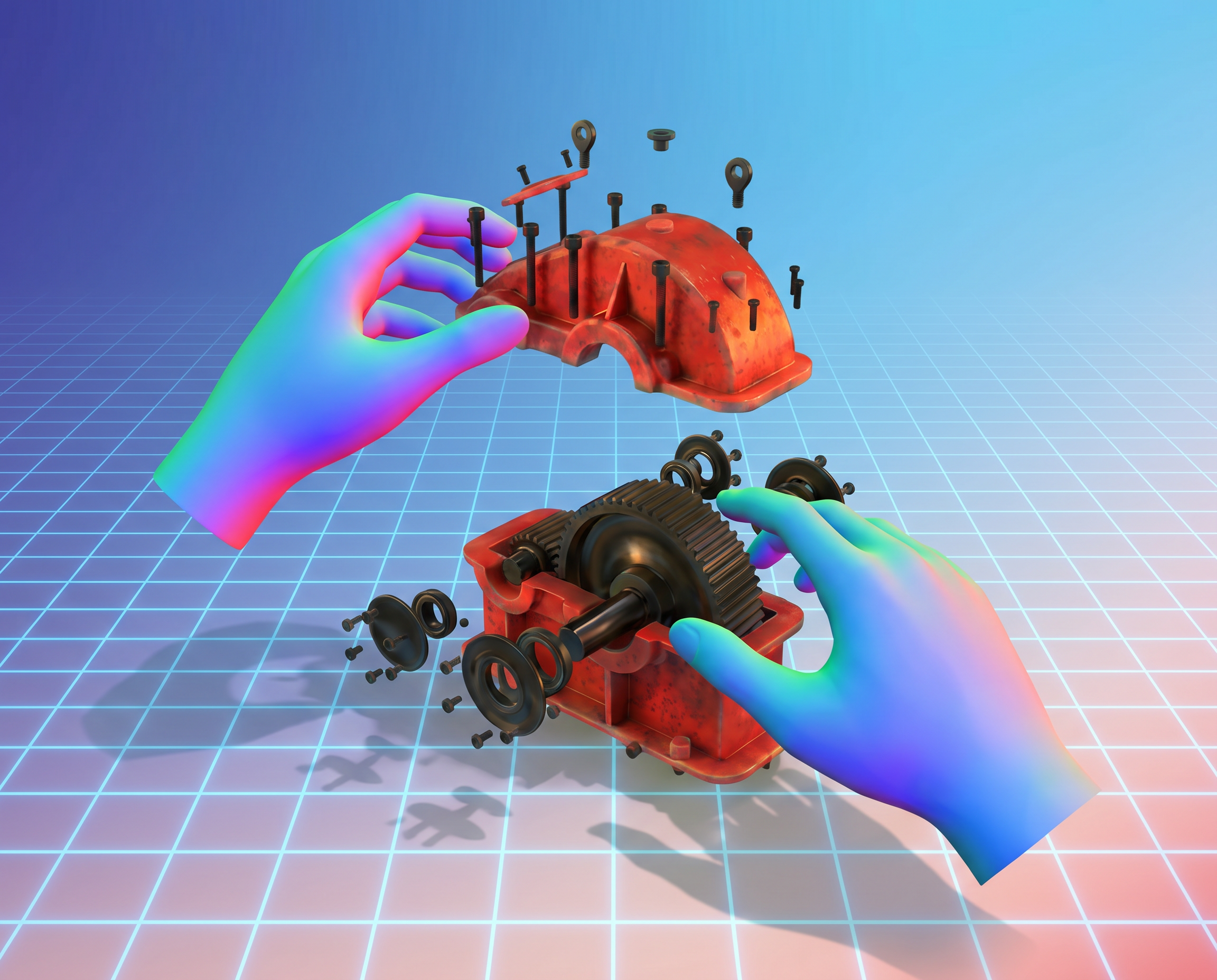
- Head & Hand Tracking: Turn any standard device into a 3D window, using natural hand gestures to manipulate models in mid-air.
- Cube Mode: Use the Merge Cube (or a free printed Merge Paper Cube) for a true tactile experience, letting students physically hold their digital research in their hands.
Just before lockdown we celebrated #ScienceWeek with @Northmoor_HT and our families at the library.
— Oldham Libraries (@OldhamLibraries) June 25, 2020
We planted beans and watched how they would grow with the Merge Cube!
The plan was to grow them in the library.
But...
our library team took them home and look at them now! pic.twitter.com/TCPOZ2FA2W
Ready to transform your library? When students can see it, touch it, and build it—they understand it. Make your library the most engaging room in the school by giving students the tools to visualize their research and create in 3D.