The All-New Merge 3D: Made for the Web
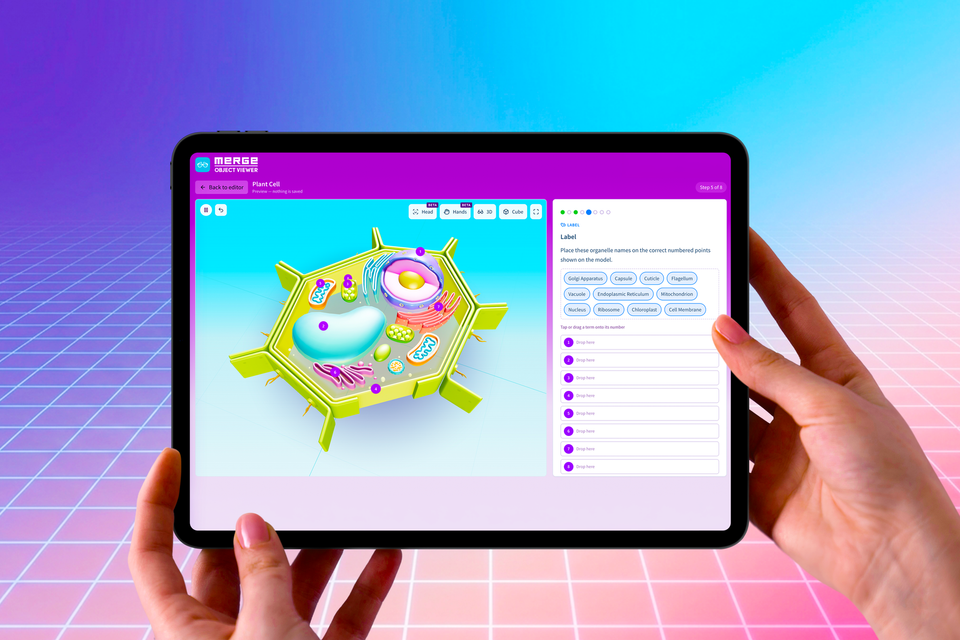
Merge 3D removes the friction from student engagement. Designed for daily instruction, students stay focused at their desks while exploring, creating, and learning in 3D without hurdles.

At Merge, we want to ensure that technology empowers students and educators without slowing them down. By bringing Merge apps directly to the web on the Merge 3D Platform, app store downloads, MDM headaches, and deployment delays are a thing of the past. Students simply open a web browser on their school devices to discover, transform, and bring abstract concepts to life right at their desks.
Everything in One Central Launchpad
The Merge 3D Dashboard serves as your centralized hub to engage students across all subjects:
Centralized Content & Resources
Access interactive 3D simulations, vast object libraries, standards-aligned activity plans, and account management tools in one place.
AI-Powered Creation Tools
Empower students with innovative creation tools, including AI-generated 3D models, animations, and interactions.
Expanded Device Compatibility
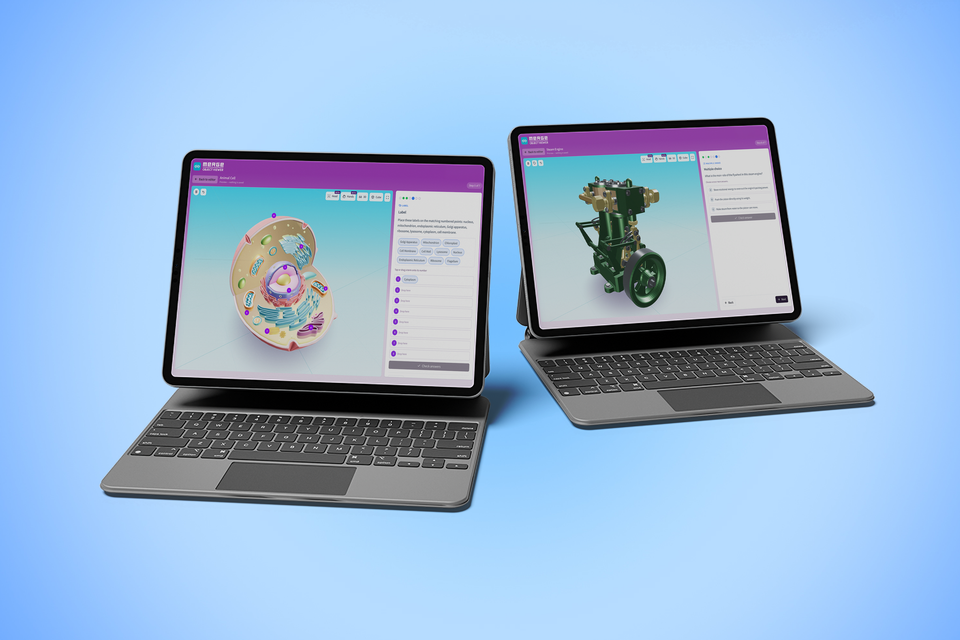
Operates seamlessly across Chromebooks, Mac and Windows laptops, PCs, iPads, and smartphones.
Open Educational Objects
Explore authentic 3D collections brought directly into your classroom through partnerships with world-renowned educational institutions.
District Content Controls
Manage content access, sharing permissions, and student administrative controls across your entire school or district.
Seamless integration into lessons
We’re removing the friction from student engagement. 3D learning will fit seamlessly into the everyday classroom, allowing students to stay focused at their desks while they discover and transform abstract concepts into tangible reality.
 Merge EDU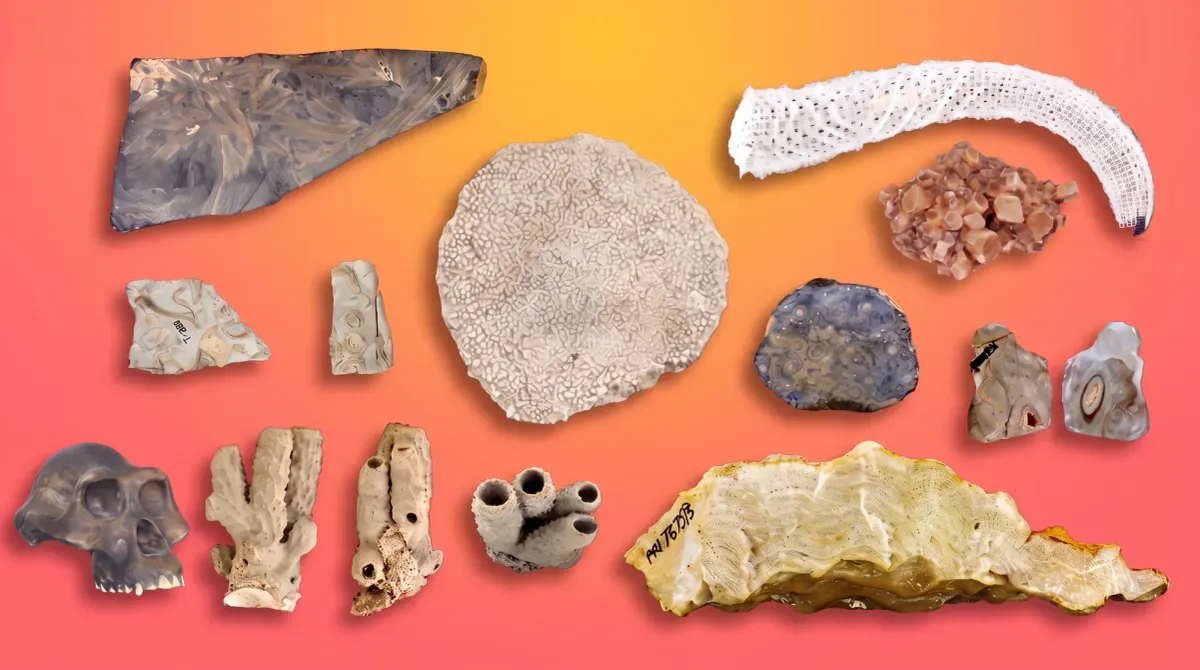
 Merge EDU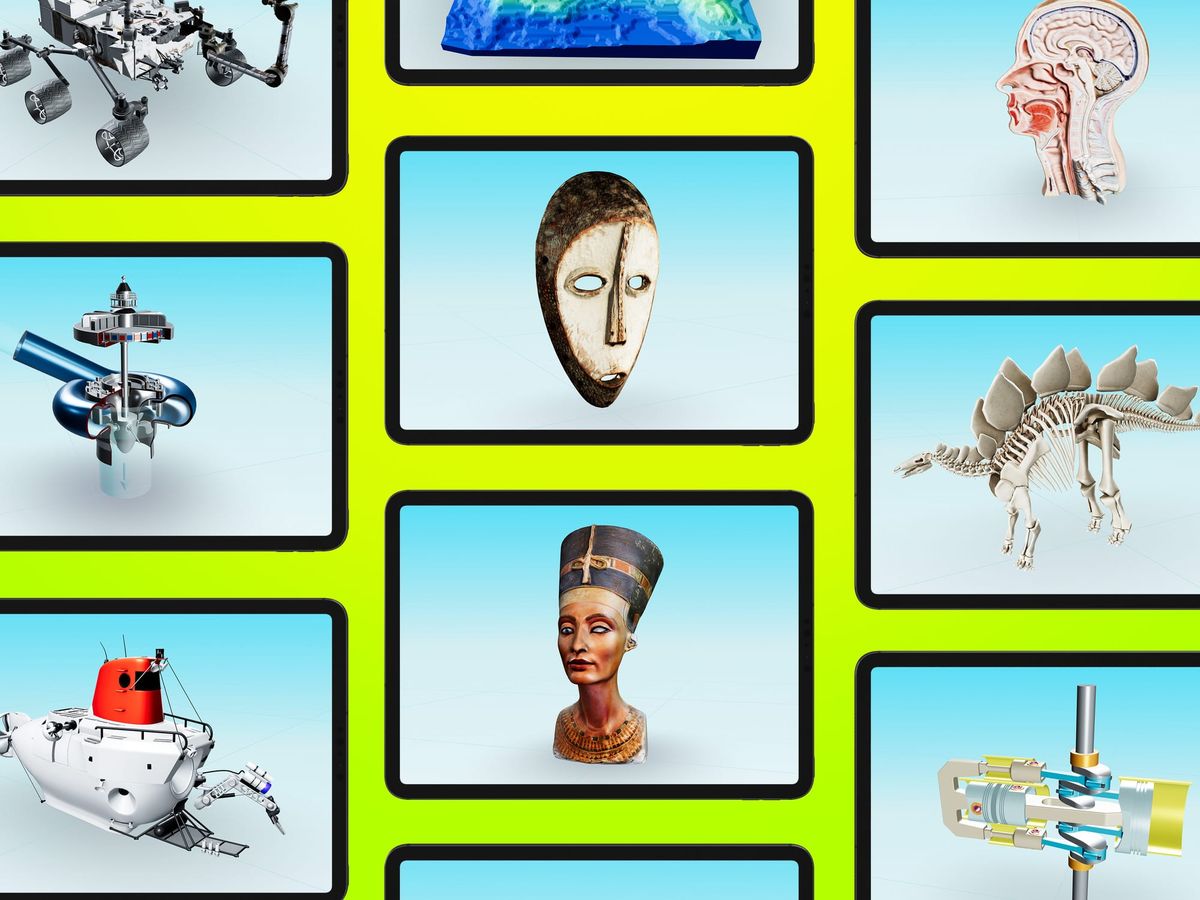
Multiple Interaction Modes Available Now
Merge 3D delivers active, embodied learning directly to student desks through natural interaction modes:
- Hand Tracking: Uses built-in device cameras to let students manipulate digital 3D models in mid-air using natural hand gestures.
- Head Tracking: Senses head movement to transform any device screen into an interactive 3D window.
- Merge Cube Mode: Delivers a hands-on, tactile experience that lets students hold digital objects in the palm of their hand.
- 3D Mode & Anaglyph Glasses: Provides an accessible, high-impact 3D viewing experience on every desk.
 Merge EDU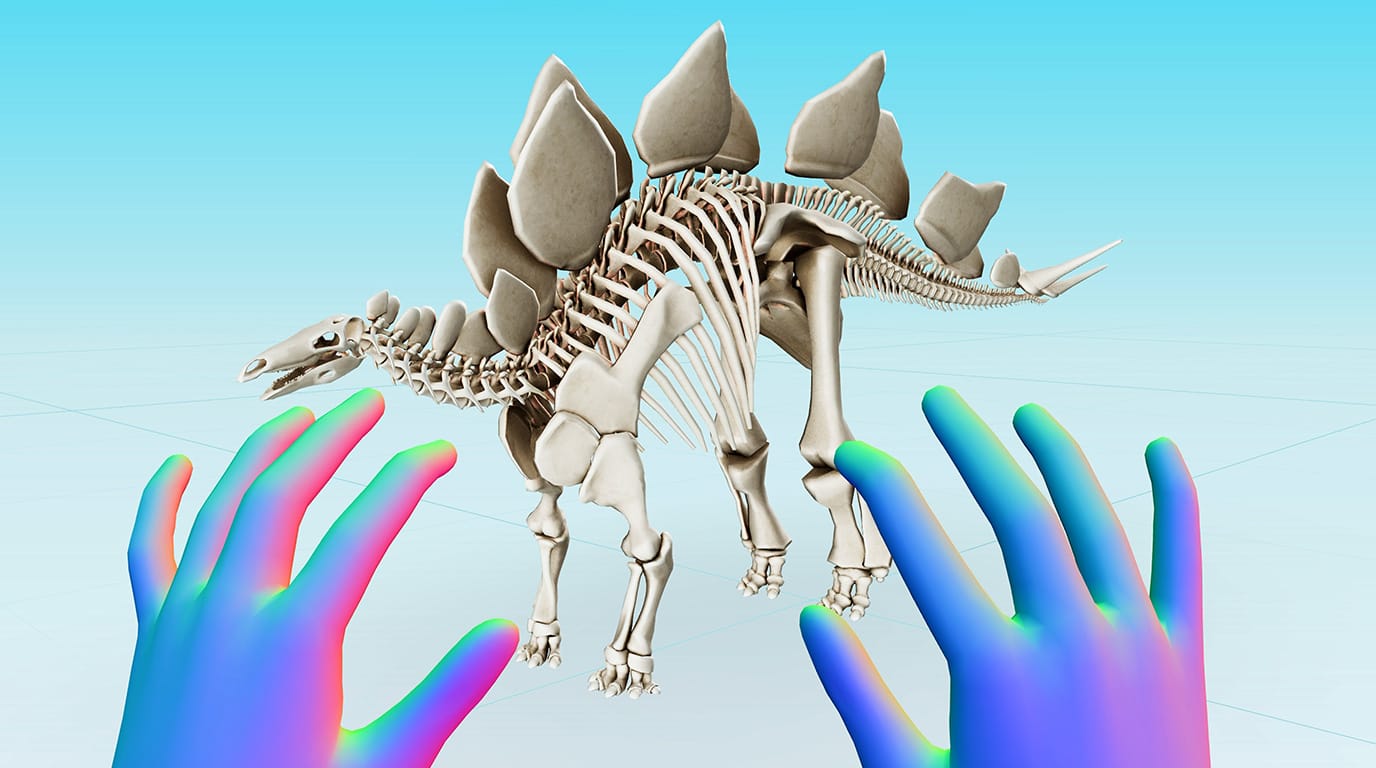
 Merge EDU
 Merge EDU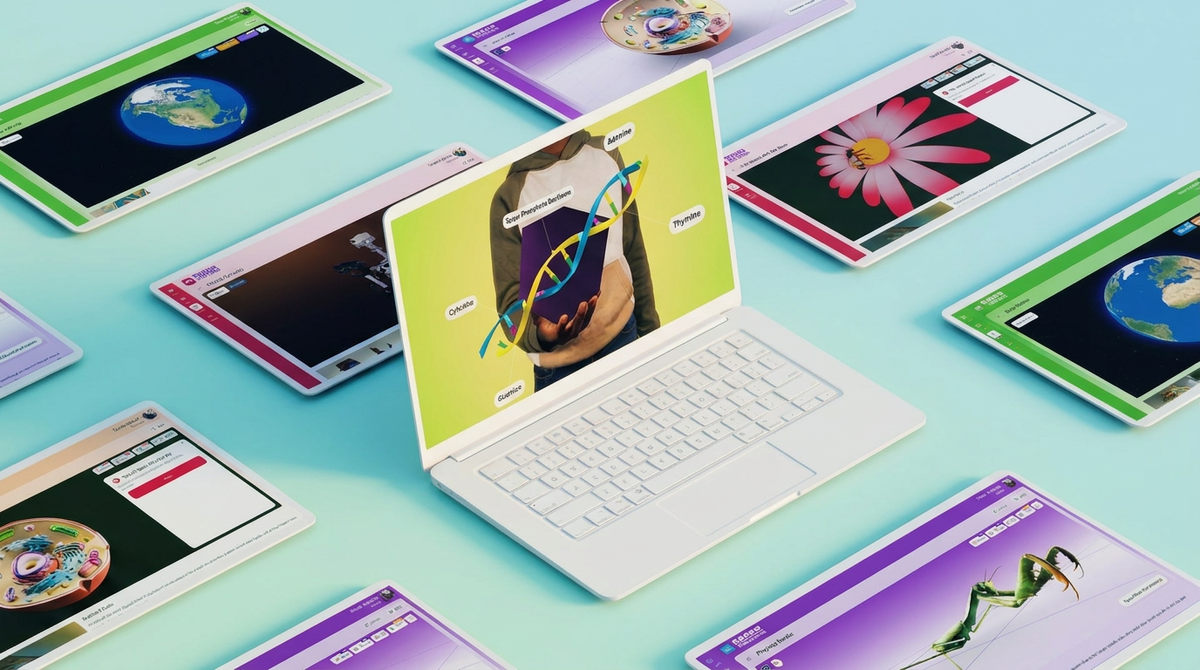
 Merge EDU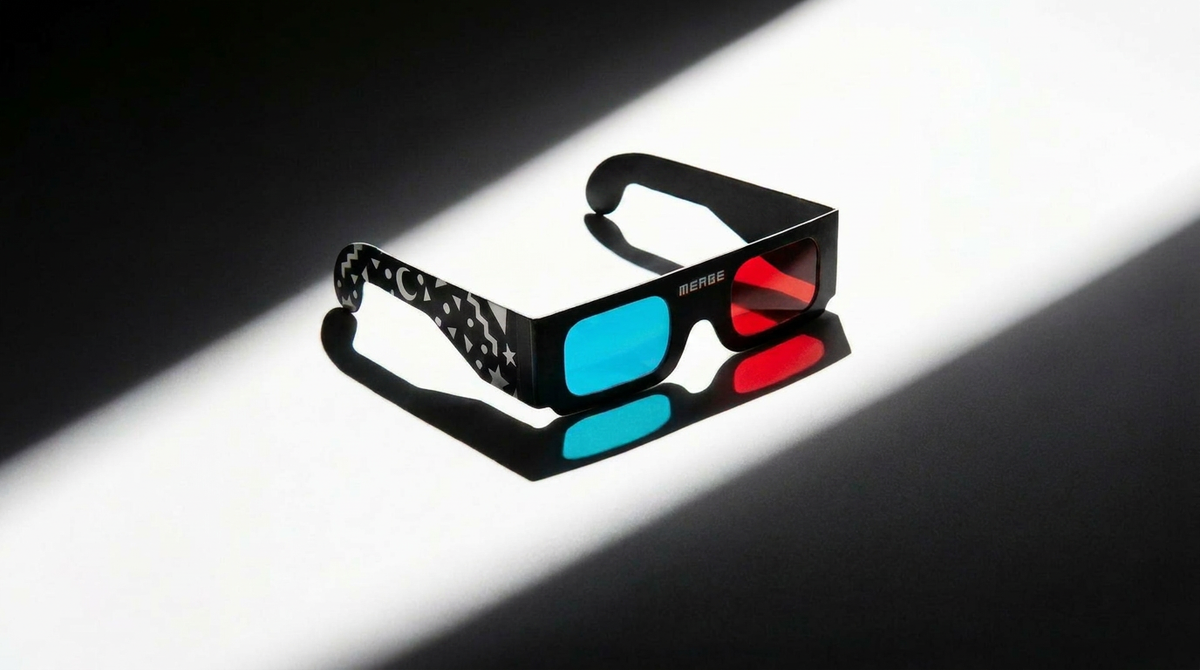
The all-new Merge 3D has been recognized as a Tech & Learning Best of Show Award winner at ISTE 2026—an honor that celebrates the most innovative education technologies showcased at the conference. The awards recognize products that demonstrate exceptional potential to positively impact teaching and learning, with winners selected by a panel of experienced educators and editors who evaluate products both through submissions and on the show floor.
 Merge EDU
Seamless Integration for the Everyday Classroom
Merge 3D removes the friction from student engagement. Designed for daily instruction, students stay focused at their desks while exploring, creating, and learning in 3D without hurdles.
Sign up for the free trial and sign in to the Merge 3D Dashboard today to transform how your classroom interacts with the digital world!