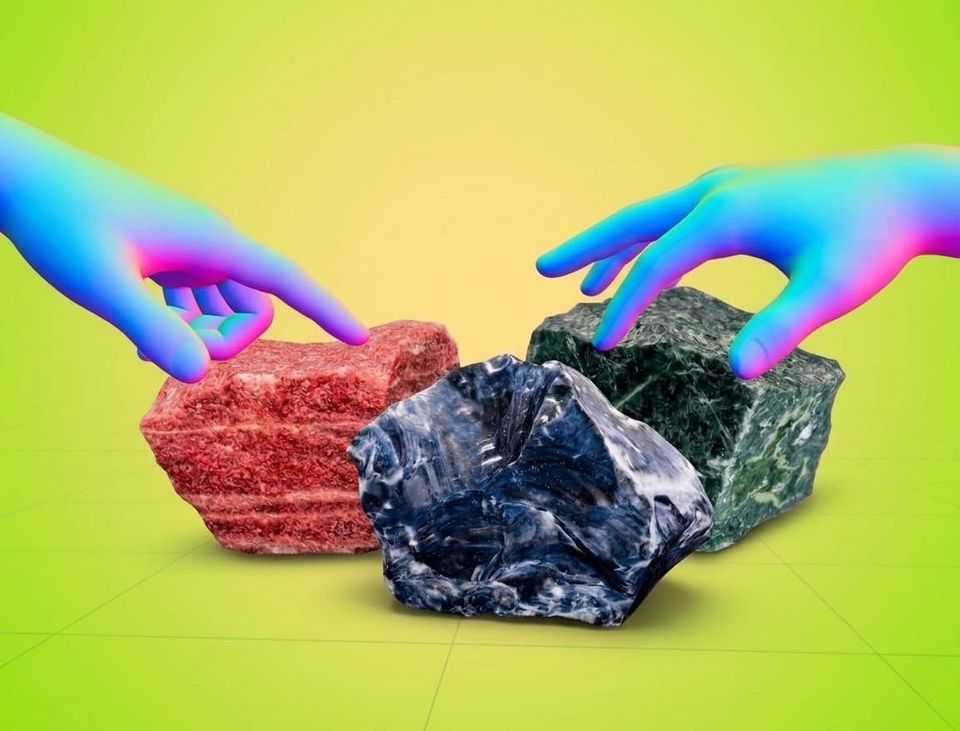
The Teacher-Ready 3D Object Library Built for Everyday Instruction
Students can interact with models on standard screens in 3D Mode, use camera-based hand and head tracking for natural movement, or use the physical Merge Cube to hold and inspect digital objects in the palm of their hand.

Many educators know the frustration of spending valuable prep time searching public repositories for a 3D model, only to find mislabeled assets, broken textures, or restrictive licensing. While raw repositories have their place, evaluating dozens of unvetted files during a short planning period isn't practical. You need accurate, curriculum-aligned resources that load instantly on student devices.
The Object Viewer library on the web-based Merge 3D platform (www.merge3d.ai) eliminates that friction. By moving entirely to the web, Merge 3D provides a vast library of digital teaching aids accessible directly in any web browser—no app store downloads, no MDM deployment delays, and complete equity across every student device in your school.
A Teacher-Ready 3D Library with Vertical Alignment
The Merge 3D Object Viewer library includes over 1,000 digital teaching aids curated to support K–12 learning. Our collection spans multiple subjects, ensuring vertical curriculum continuity across grade levels.
- Science & STEM: Students can explore anatomy, cells, body systems, and ecosystems, then scale up to advanced physics, engineering models, and Earth science data (like weather systems and the International Space Station).
- History & Social Studies: Examine historical artifacts, architectural landmarks, and cultural relics with accurate spatial representation.
- CTE & Workforce Readiness: Provide students with future-ready tech experiences in medical pathways, agriculture, and manufacturing by letting them interact with industry-specific models.
 Merge EDU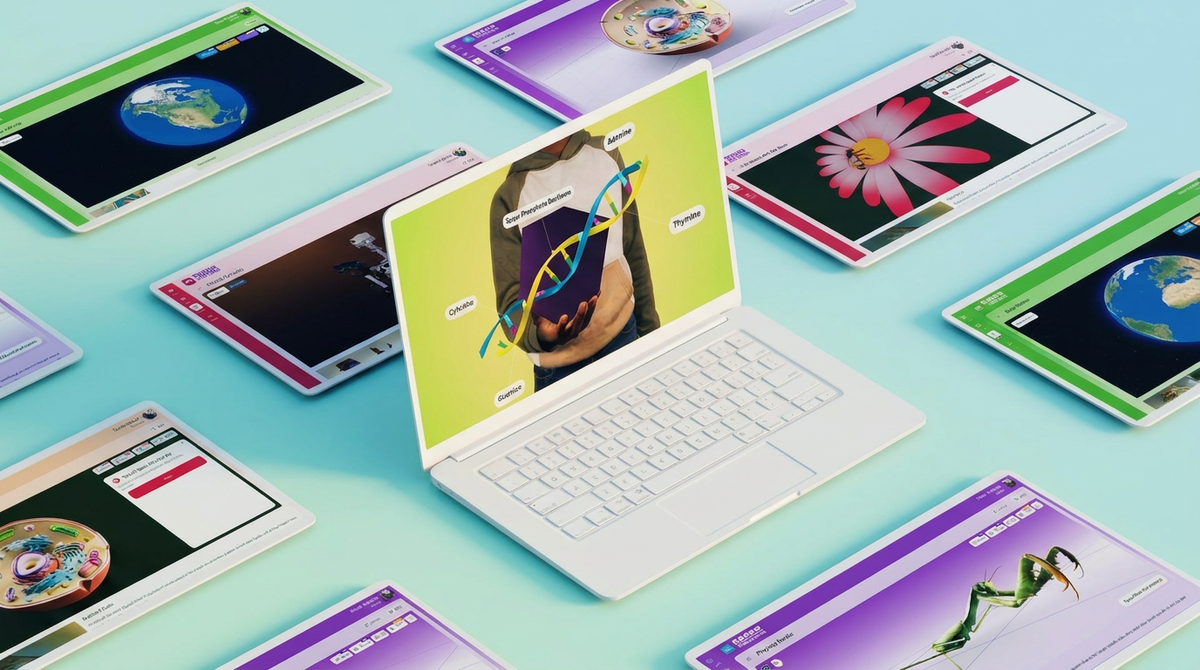
 Merge EDU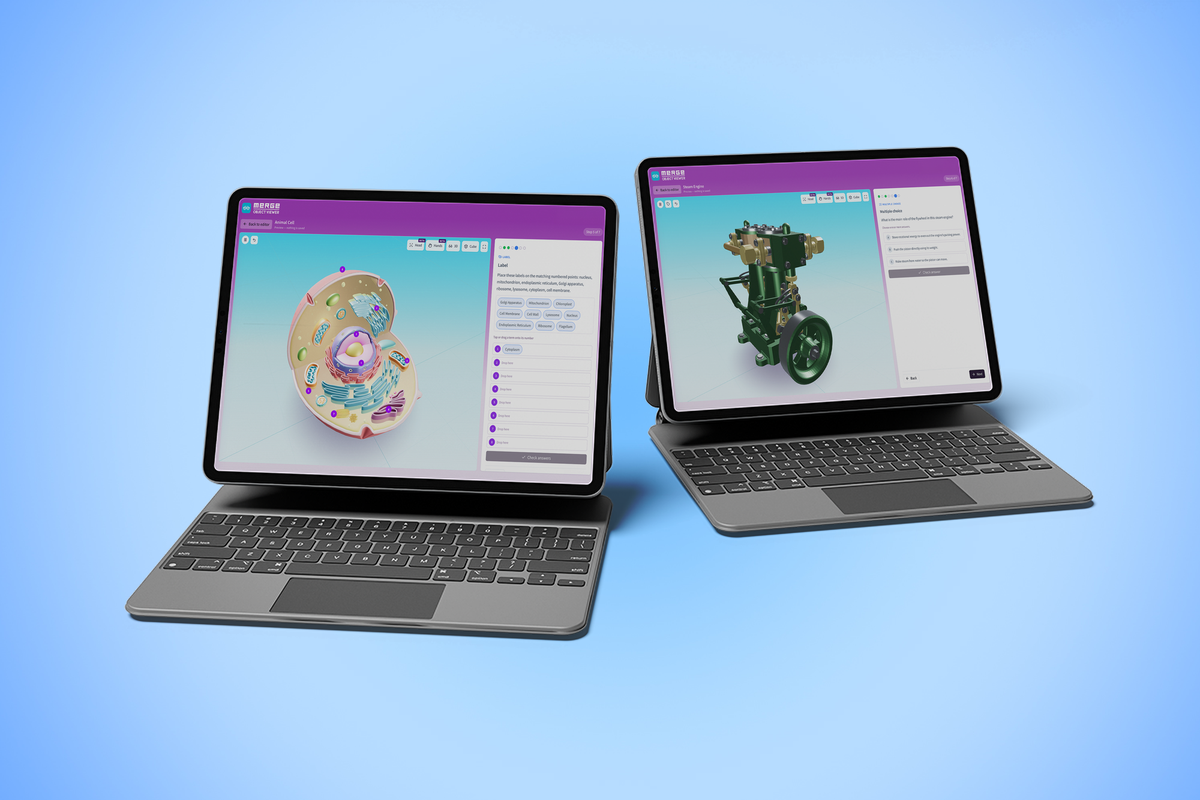
 Merge EDU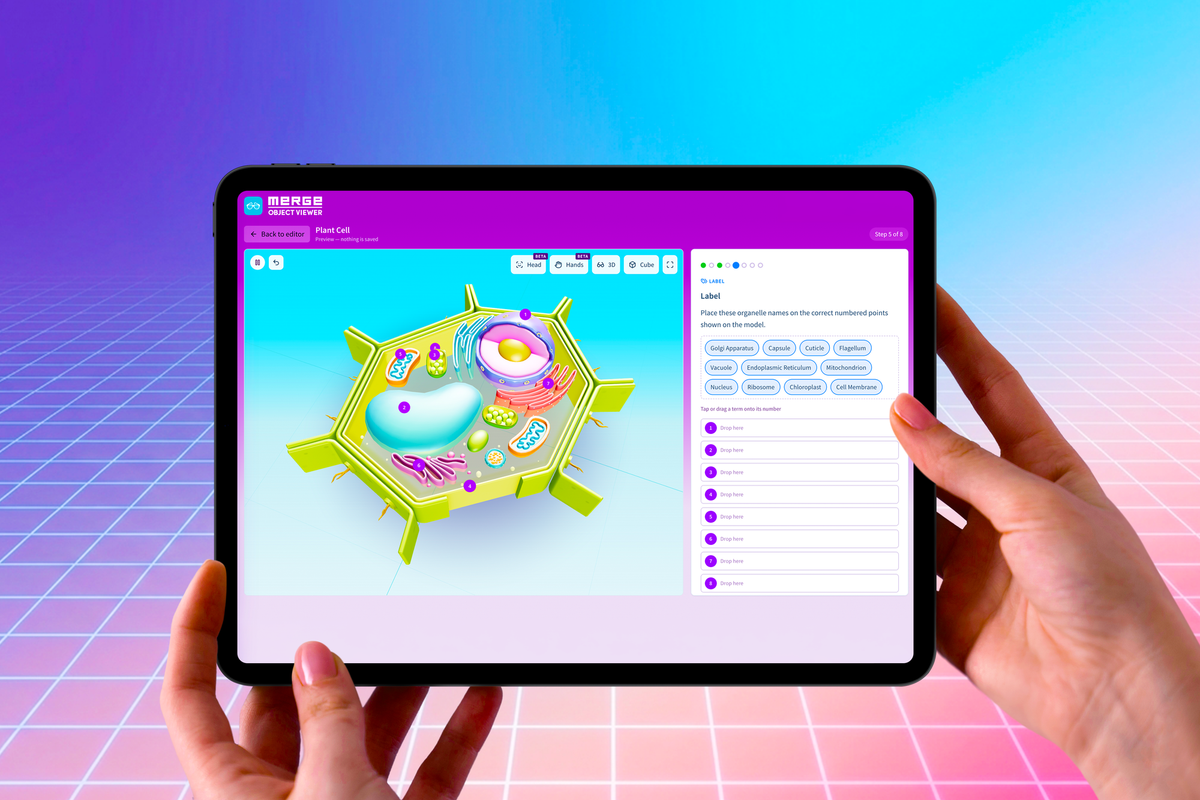
From 3D Objects to Guided Instruction: 3D Learning Modules
Having access to high-quality 3D models is essential, but the real impact happens when spatial exploration is tied to clear learning objectives. With the newly launched 3D Learning Modules, teachers can turn any 3D object in the library into a structured, self-guided lesson through a simple three-step workflow:
- Create: Choose a 3D model as your foundation. Build instructional steps manually or use optional AI assistance to generate an initial draft—always maintaining full pedagogical control to review and edit content before assigning.
- Assign: Send lessons directly to an entire class, specific student groups, or via a direct web link.
- Review: Gain real-time visibility into student work, track completion, evaluate written responses, and provide direct feedback.
Learn more about the all-new 3D Learning Modules here.
Flexible Creation and Multi-Sensory Exploration
When a specialized 3D model isn't in the library, the Merge Creator Suite empowers teachers and students to build their own. Users can generate 3D models using natural language prompts with the AI Generator, convert real-world items with the 3D Scanner, or import creations from tools like Tinkercad and Minecraft via the Object Uploader.
Students can interact with models on standard screens in 3D Mode, use camera-based hand and head tracking for natural movement, or use the physical Merge Cube to hold and inspect digital objects in the palm of their hand.
Scalable Instructional Infrastructure
Beyond individual classroom convenience, transitioning from physical science models, anatomical displays, and geometric kits to district-owned digital assets eliminates storage, loss, and wear-and-tear costs. It creates vertical curriculum continuity across grade levels—from K–5 foundational exploration to high school CTE, engineering, and advanced biology.
Sign up for a free trial at TryMerge.com to explore the Object Viewer library and build your first 3D Learning Module today.