How to Bring the August 12 Solar Eclipse to Life in Your Classroom
Mark your calendars: August 12 — a major astronomical event for 2026! A solar eclipse will occur, which will be visible in several parts of the world, including the UK.
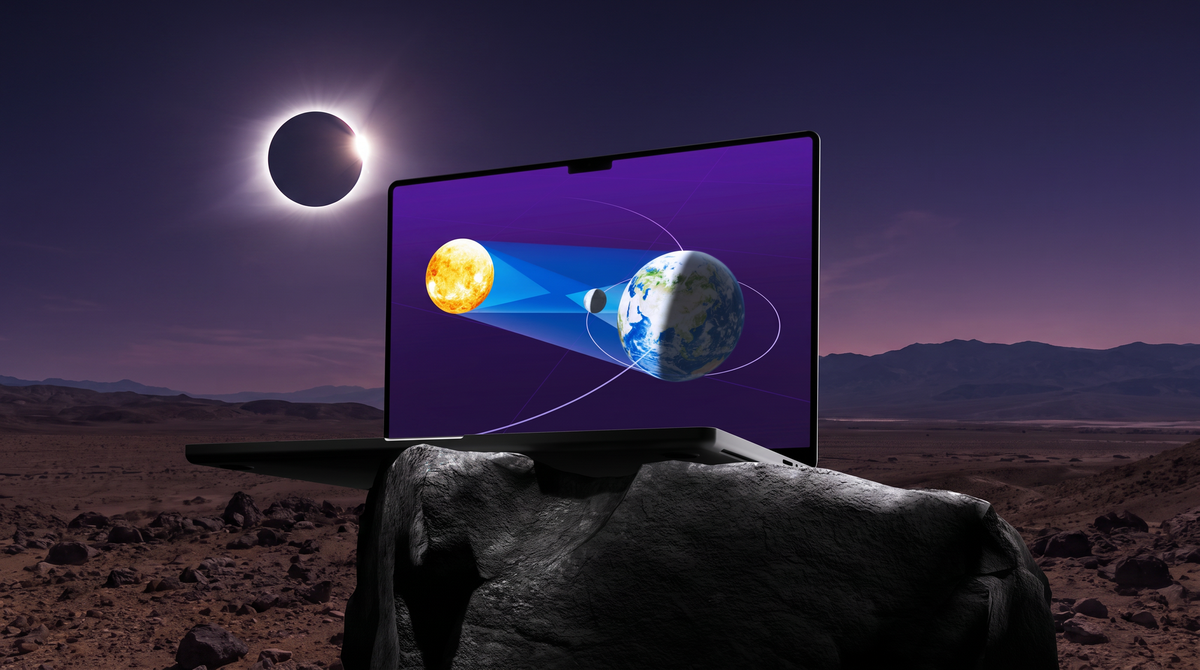
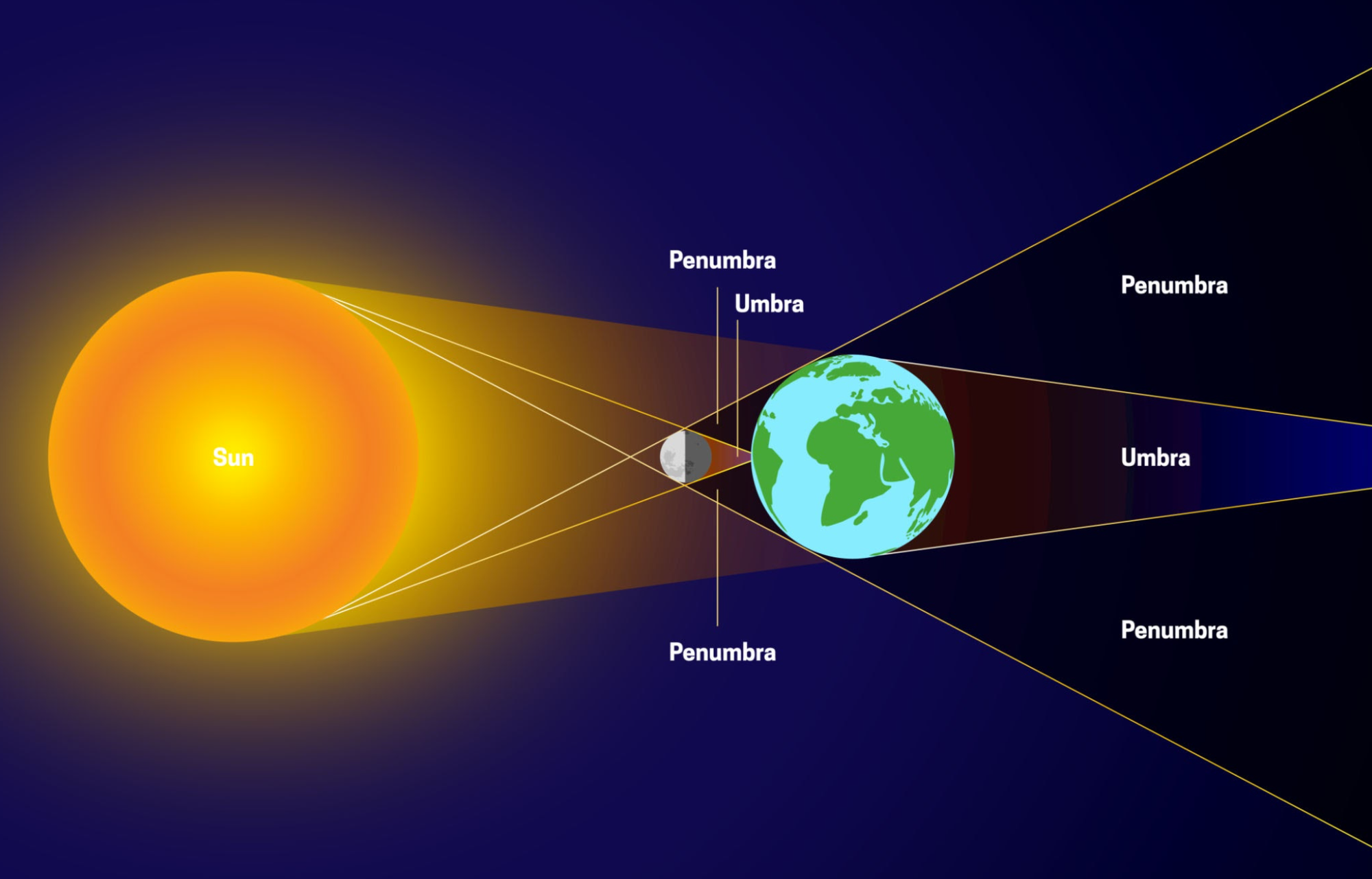
For educators, a solar eclipse is a golden opportunity to engage students in space science. But let's face the reality of the classroom: explaining orbital mechanics, umbras, and penumbras using a flat textbook diagram or a whiteboard sketch often leaves students disconnected and confused. When complex systems stay in 2D, they remain abstract.
Enter embodied learning. With the new web-based Merge EDU platform, you can bring the solar system directly to your students' desks—no special hardware, lab scheduling, or app downloads required.
Countdown to the August 12 Solar Eclipse
Here is how you can use Merge EDU to turn this massive astronomical event into an unforgettable, interactive lesson:
1. Hold the Solar System in Your Hands
Instead of watching a video about how the Moon passes between the Earth and the Sun, students can use Merge Explorer to actively investigate it. By launching our space science simulations right in their web browser, students can manipulate the celestial bodies themselves. They can rotate the models, zoom in on the orbital paths, and see exactly how the alignment creates a solar eclipse.
2. Device-First, Friction-Free Access
You don't need a dedicated STEM lab to make this happen. Merge EDU is now completely web-based, meaning it works seamlessly on the Chromebooks or tablets your students already have. In under a minute, your entire class can be interacting with 3D space models right at their desks.
3. Multiple Ways to Interact
Every student learns differently, which is why Merge offers multiple interaction modes to fit your classroom:
- 3D Mode: Click, drag, and explore the solar system directly on the screen.
- Head & Hand Tracking: Students can use natural gestures to manipulate planets, turning their device into a 3D window.
- Cube Mode: For the ultimate tactile experience, students can use a Merge Cube (or a free printed Merge Paper Cube) to physically hold the simulation in the palms of their hands.
4. Create to Demonstrate Understanding
Once students have explored the eclipse, they can prove their understanding using the Merge Creator Suite. Have students upload 3D models of the Sun, Moon, and Earth to the Object Builder, arrange them to demonstrate an eclipse, and add their own audio or text labels explaining the phenomenon. They aren't just consuming science—they are building it.
5. Ready-to-Use Activity Plans
Don't have time to build a lesson from scratch? We’ve got you covered. Merge EDU comes with standards-aligned, grade-banded activity plans that guide students through space science concepts step-by-step.
Ready to transform your science instruction? When students can see it, touch it, and build it—they understand it. Don't let this solar eclipse pass by as just another textbook chapter.