Beyond the Jaws: Explore Shark Anatomy in 3D for Shark Week
Shark Week is the perfect occasion to swap cinematic fear for scientific fascination!
Shark Week is the perfect occasion to swap cinematic fear for scientific fascination. Sharks are some of the most misunderstood creatures on the planet. But traditional classroom diagrams often leave these magnificent marine apex predators looking a bit flat.
When students only look at a 2D diagram of a shark’s anatomy, they miss out on forming a true spatial understanding of how these creatures move, hunt, and breathe.
That is where the all-new, fully web-based Merge 3D platform swims in to change the game. This year, you can bring an interactive, lifelike digital shark directly into your classroom or living room using just a standard web browser—no app downloads, app store constraints, or IT deployment issues required.
Bringing Marine Biology to Life on Your Screen
With our streamlined multi-suite architecture, educators and learners can instantly access high-fidelity 3D models via the Merge EDU Suite natively on Chromebooks, tablets, or laptops.
By opening up Merge Object Viewer or Merge Explorer inside a web browser, abstract biological structures instantly transform into an interactive, multi-sensory experience. Students don't have to just memorize definitions; they can actively engage in active, embodied learning that anchors deep concept retention.
Here is how you can interact with 3D shark models and marine biology concepts using our advanced interaction modes:
- 3D Browser Mode: Click, drag, zoom, and rotate the shark model to inspect rows of serrated teeth, gill slits, and countershaded skin from any perspective.
- Hand Tracking Mode: Using your device’s built-in camera, manipulate and turn digital 3D objects mid-air using natural, intuitive hand gestures.
- Head Tracking Mode: Move your head to change your perspective naturally, turning any standard laptop or monitor screen into a literal 3D window into the ocean.
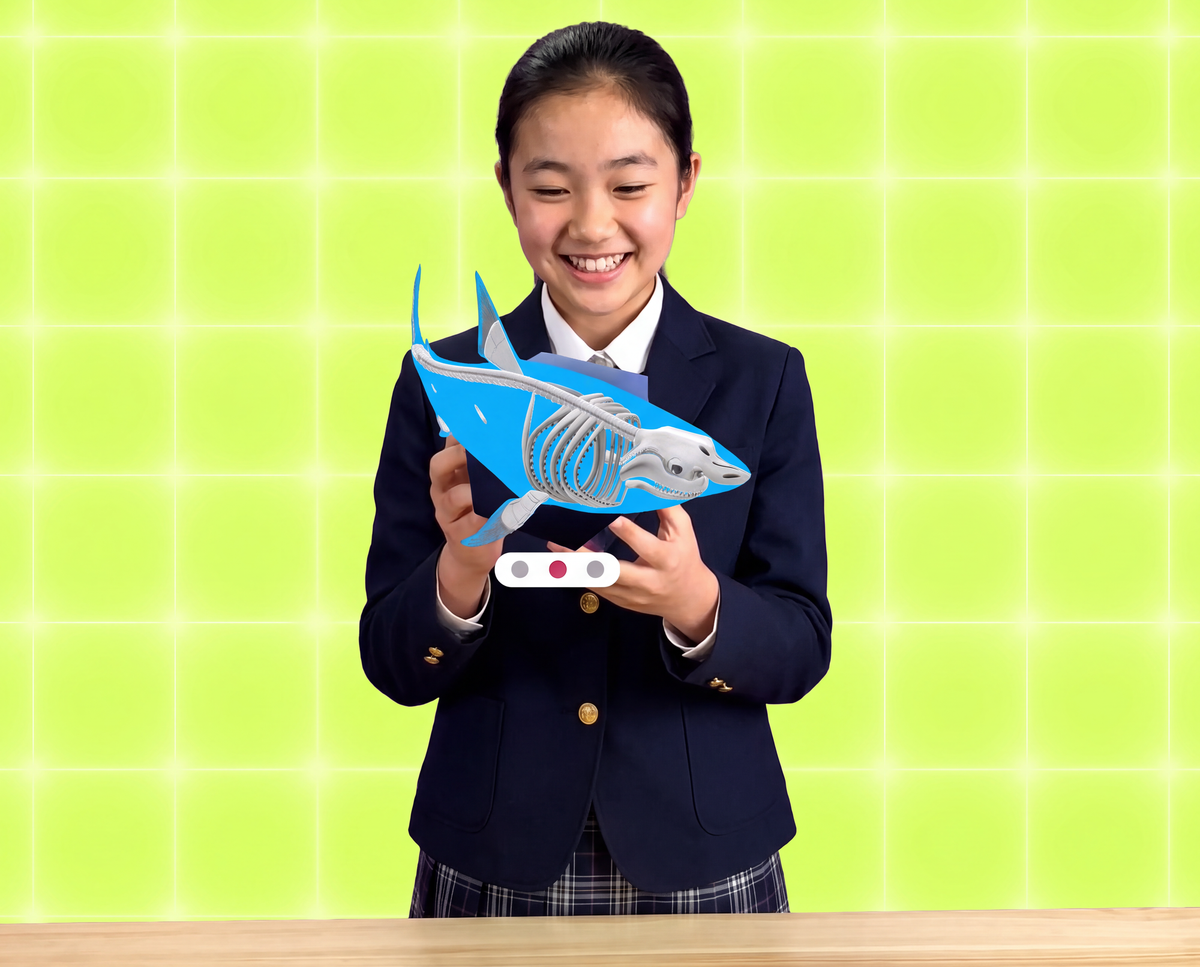
- Cube Mode: Bring a tactile element to the exploration. Grab a physical Merge Cube (or cut out a free paper alternative) to hold a 3D digital shark right in the palm of your hand.
- Anaglyph 3D Mode: Pop on a pair of Merge 3D paper glasses to add an extra layer of depth, making marine anatomy leap off the screen.
From Passive Observers to 3D Creators
Shark Week is also the perfect launchpad to transition students from merely consuming technology to becoming active creators. While the Merge EDU suite provides the perfect space for deep exploration, the Merge Creator Suite empowers students to build and communicate their own learning in 3D.
Classroom Activity Idea: The Digital Marine Museum Have your students research a specific shark species (like the Hammerhead, Tiger Shark, or even the prehistoric Megalodon). Using the Merge AI Generator, they can type natural language prompts to generate custom 3D shark variants in minutes. From there, they can open their model in Object Builder and add multimedia labels.
Students can add interactive labels directly onto their models:
- Text Labels: Explain the function of the lateral line system or ampullae of Lorenzini.
- Audio Labels: Record their own voice clips narrating how sharks help maintain balance in marine ecosystems.
- Video & Image Labels: Attach real-world photography or research footage mapping global shark migration routes.
Once completed, students can save their work to custom content libraries, build curated collections, and share them with classmates or the entire district via a simple link or QR code.
Dive in Today
Ready to give your students a front-row seat to the wonders of marine science? Login to dashboard.merge3d.ai or activate a Merge 3D free trial to make science tangible this Shark Week!