Design an Alien, Hold It in Your Hand: Exploring Exoplanets with Tinkercad and the Merge Cube
NASA’s Alien by Design challenge by Pamela Perry, Technology Coach from Lewiston Public Schools
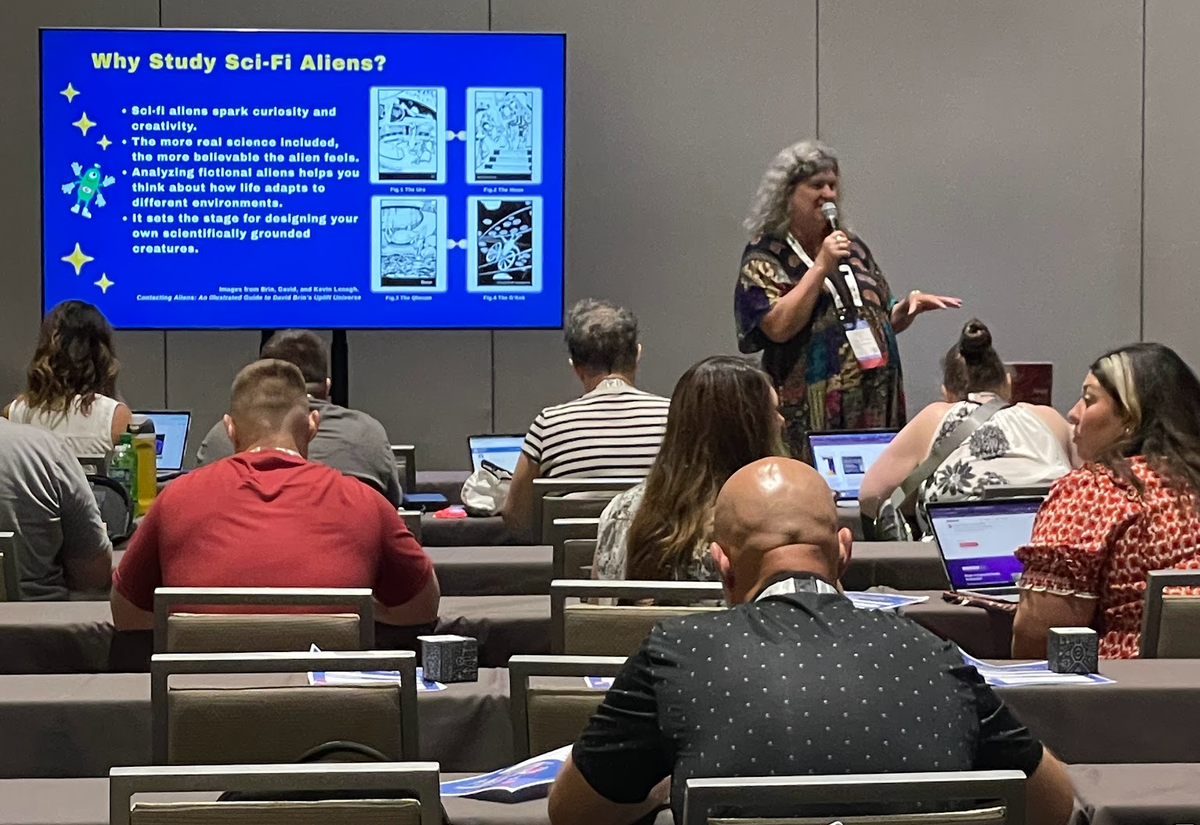
What would life look like in a distant world? NASA’s Alien by Design challenge by Pamela Perry, Technology Coach from Lewiston Public Schools, invites students to imagine just that!
Using the characteristics of the planet K2-18b—a world in a red dwarf star’s habitable zone—learners brainstorm the features an alien might need to survive there. Would it have gills for breathing in a watery atmosphere? Multiple legs for moving across rocky terrain? Or bioluminescence to communicate in the dark?
This creative blend of science and imagination sets the stage for a powerful design project: building your alien in 3D with Tinkercad, then bringing it to life in augmented reality with Merge EDU.
To create your alien, follow the steps below or download the full project.
Step 1: Brainstorm Your Alien
Start with science! As NASA suggests, think about the key environmental features of K2-18b: atmosphere, water, temperature, and climate. Then ask:
- What would my alien look like?
- How would it breathe?
- How would it move?
- What would it eat?
Sketch ideas on paper before moving into digital design. This step encourages students to connect planetary science with biology and adaptation—a hands-on way to understand how conditions shape life.
Step 2: Build in Tinkercad
Once ideas are flowing, open Tinkercad and start modeling:
- Drag and drop shapes like cylinders, pyramids, or spheres to build the body.
- Combine and align them into unique features—fins, claws, or wings.
- Experiment with grouping, resizing, and mirroring to refine your alien’s design.
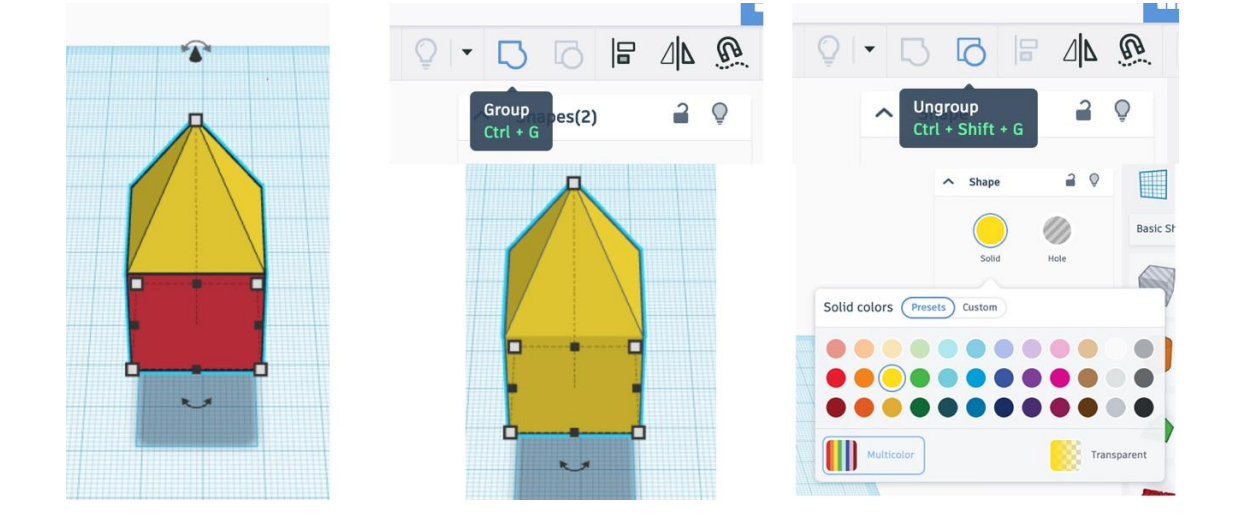
With these simple tools, students quickly transform scientific imagination into a 3D creation.
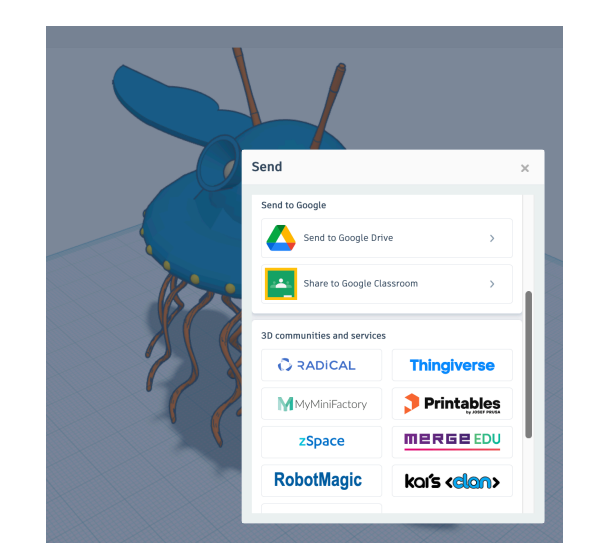
Step 3: Export to Merge EDU
Here’s where the alien steps off the screen. By connecting Tinkercad with Merge EDU:
- Log into both Tinkercad and your Merge EDU dashboard.
- Select your design, then click Send to > MERGEEDU.
- The alien appears in your Merge library, ready to be explored in AR.
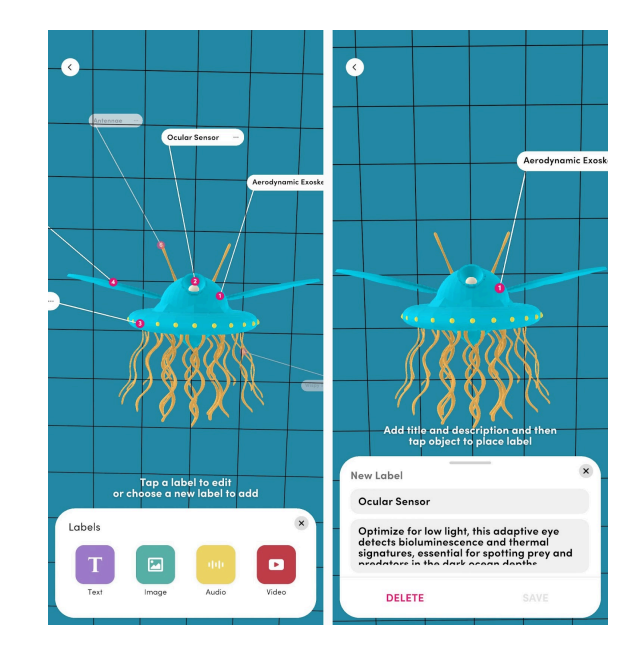
Step 4: Edit and Annotate with Merge Creator
In the Merge Creator app, students can enhance their alien model:
- Add text labels to explain adaptations.
- Upload images, audio, or video to support the story of survival.
- Save and share for classmates to view.
This step transforms design into scientific communication.
Step 5: Hold Your Alien in AR
With the Merge Object Viewer app, learners can now:
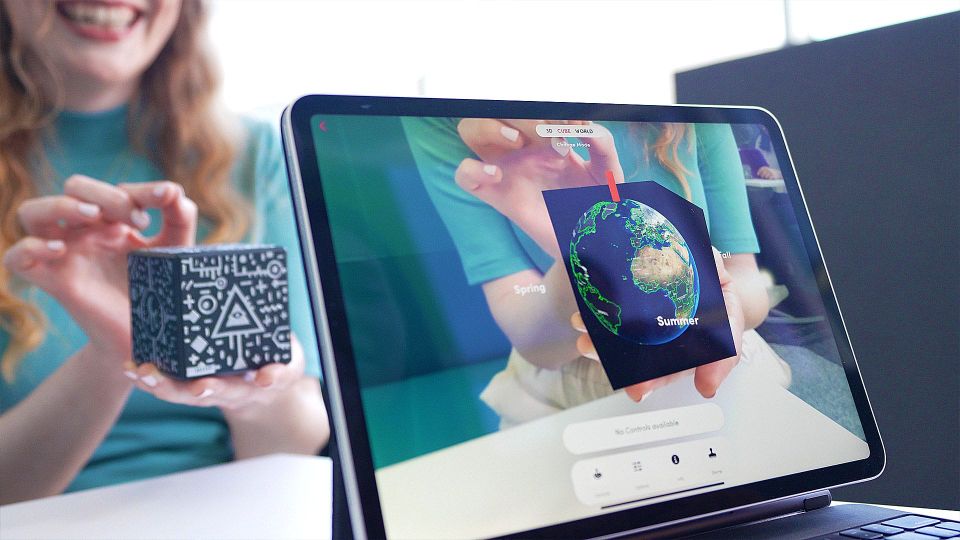
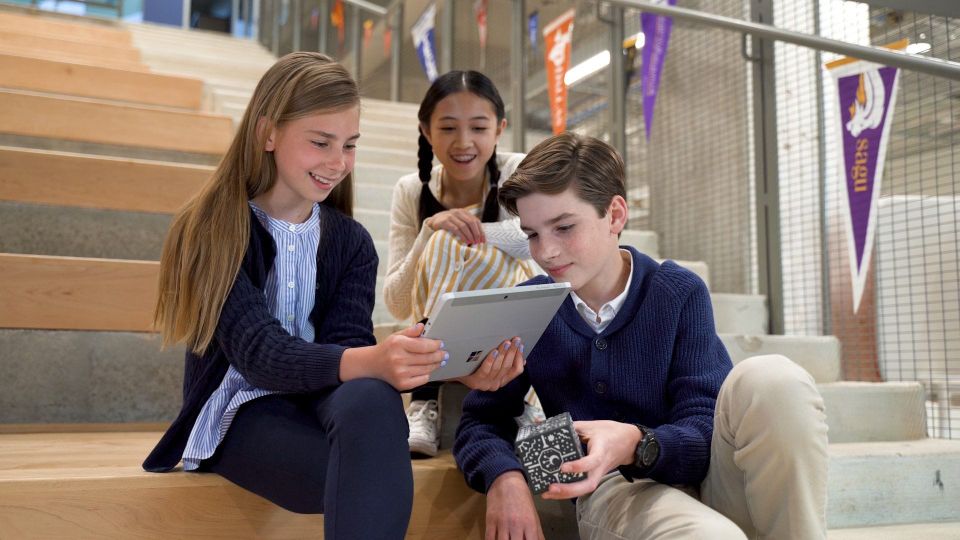
- Hold their alien in their hand with the Merge Cube.
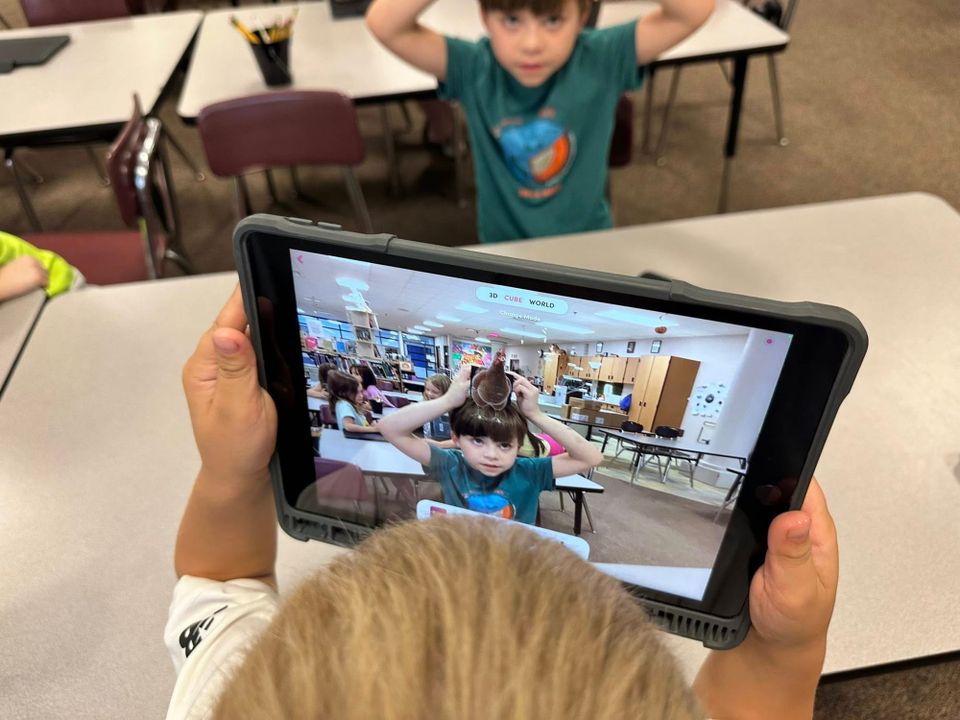
- Place it into the classroom with World Mode and walk around it.
- Use a VR headset for a fully immersive encounter.
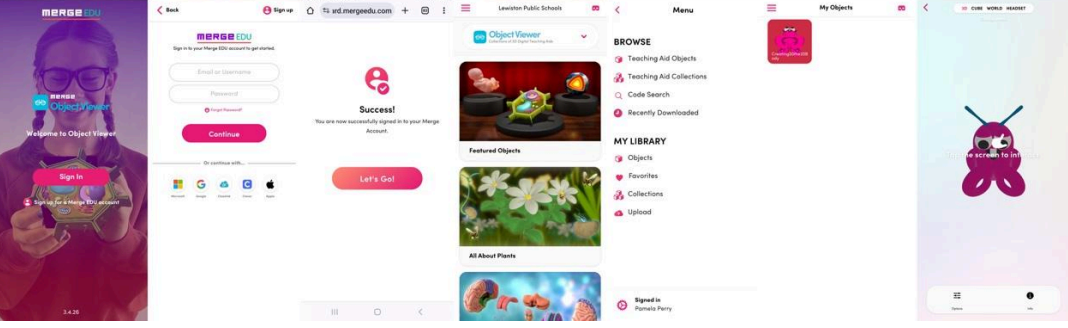
Students aren’t just imagining exoplanet life—they’re exploring it as if it were real.
Step 6: Share Your Discovery
Back in the Merge EDU dashboard, students can create QR codes or links to share their aliens. Presentations can highlight the connection between environmental science and adaptive features, giving peers and parents an engaging view into the design process.
Why It Matters
This workflow—brainstorming with NASA science, designing in Tinkercad, bringing to life with Merge EDU—embodies the engineering design process while sparking creativity. It strengthens critical thinking, visualization, and communication skills. Most importantly, it shows students that science is not just something to memorize—it’s something they can build, hold, and explore.